

1·
4 days agoYeah, no, this is what I’ve got under Folders:
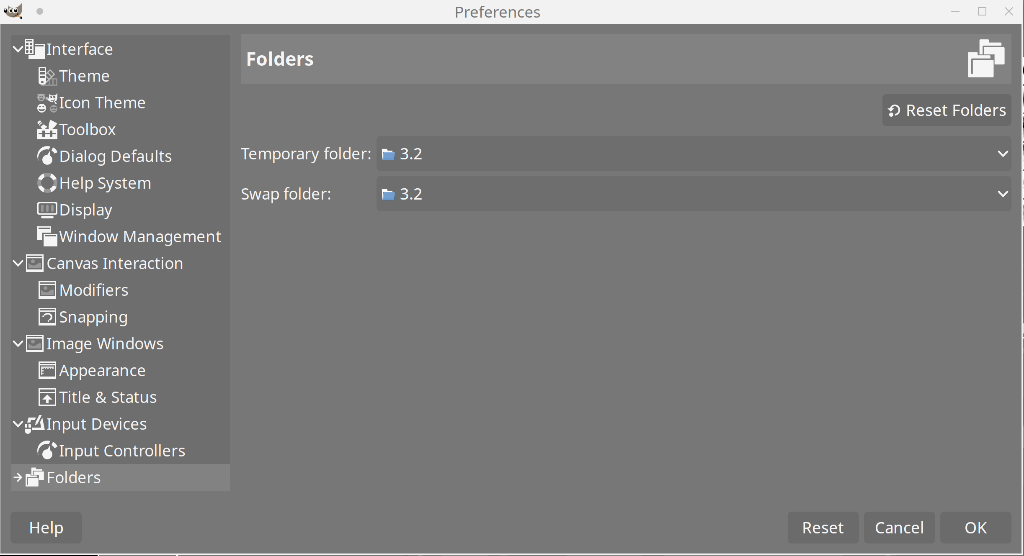
Yeah, no, this is what I’ve got under Folders:
click the color preview, and you get a slightly bigger circle and you can also enter HSV and RGB values manually
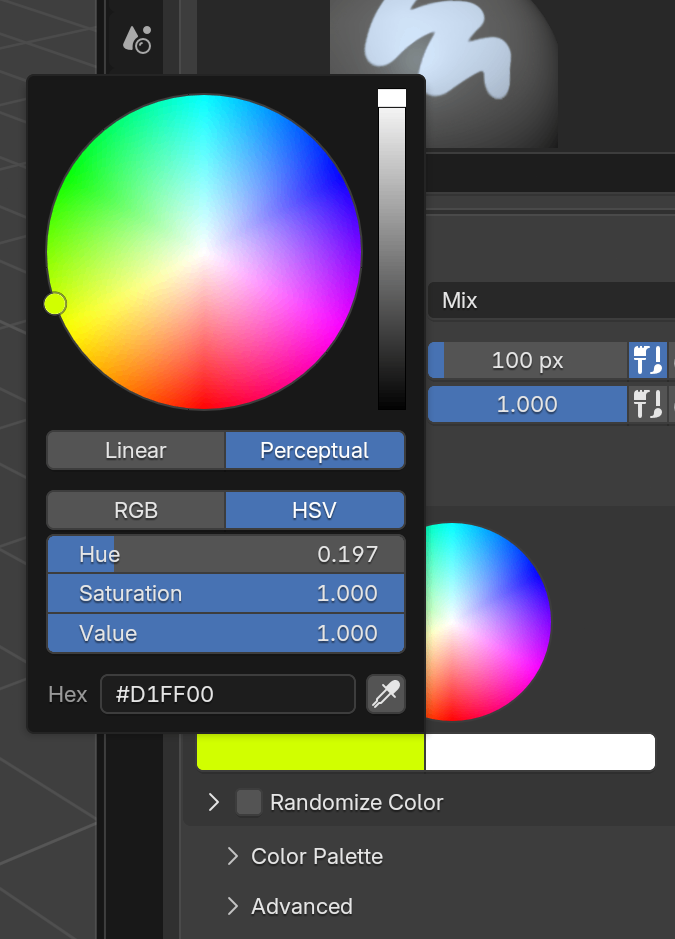
it does look a little better, but I still think it’s messy
well, the first thing is that you might want to update the instructions for finding the themes folder. In Gimp I had to look under preferences-interface-theme to find the folder – and even then it was a bit of a journey, since I installed it with flatpak, so the folder ended up being in /var/lib/flatpak/app/org.gimp.GIMP/x86_64/stable/5c600asdghjsd0cfe6e9e5bcf71a2e8a1a7e0ca018f43aabfa38dc12bd0954034f06/files/share/gimp/3.0/themes/
…while the Gimp settings just say app/share/gimp/3.0/themes/
Nice, I’ll check it out
dude, at least screenshot the same palette
no, I’d say Blender looks a lot better. I tried to find a roughly equivalent palette for comparison:
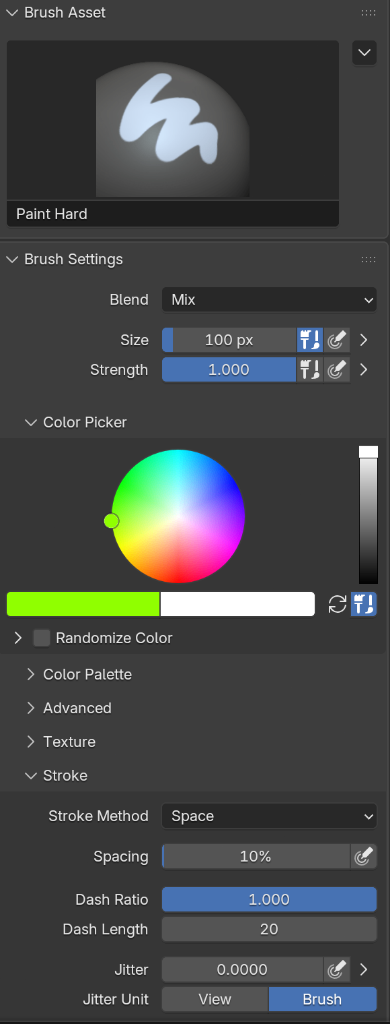
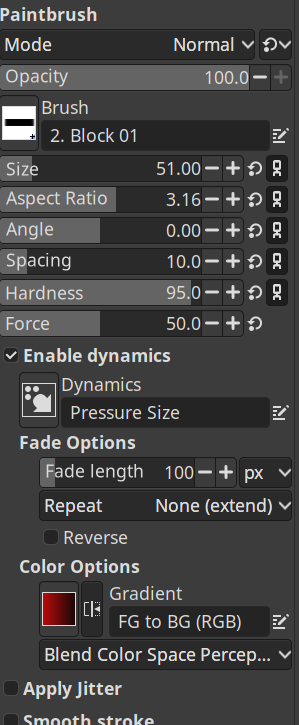
at minimum it would be nice if they just looked at the spacing and organization of the different palettes. This does not look tidy… or professional, really. It looks cramped and messy.
woah, yeah, that’s… unusual, I would expect that arrow to look more like a sideways chevron – but there it was, and apparently I can also put themes in ~/.config/GIMP/3.2/themes